
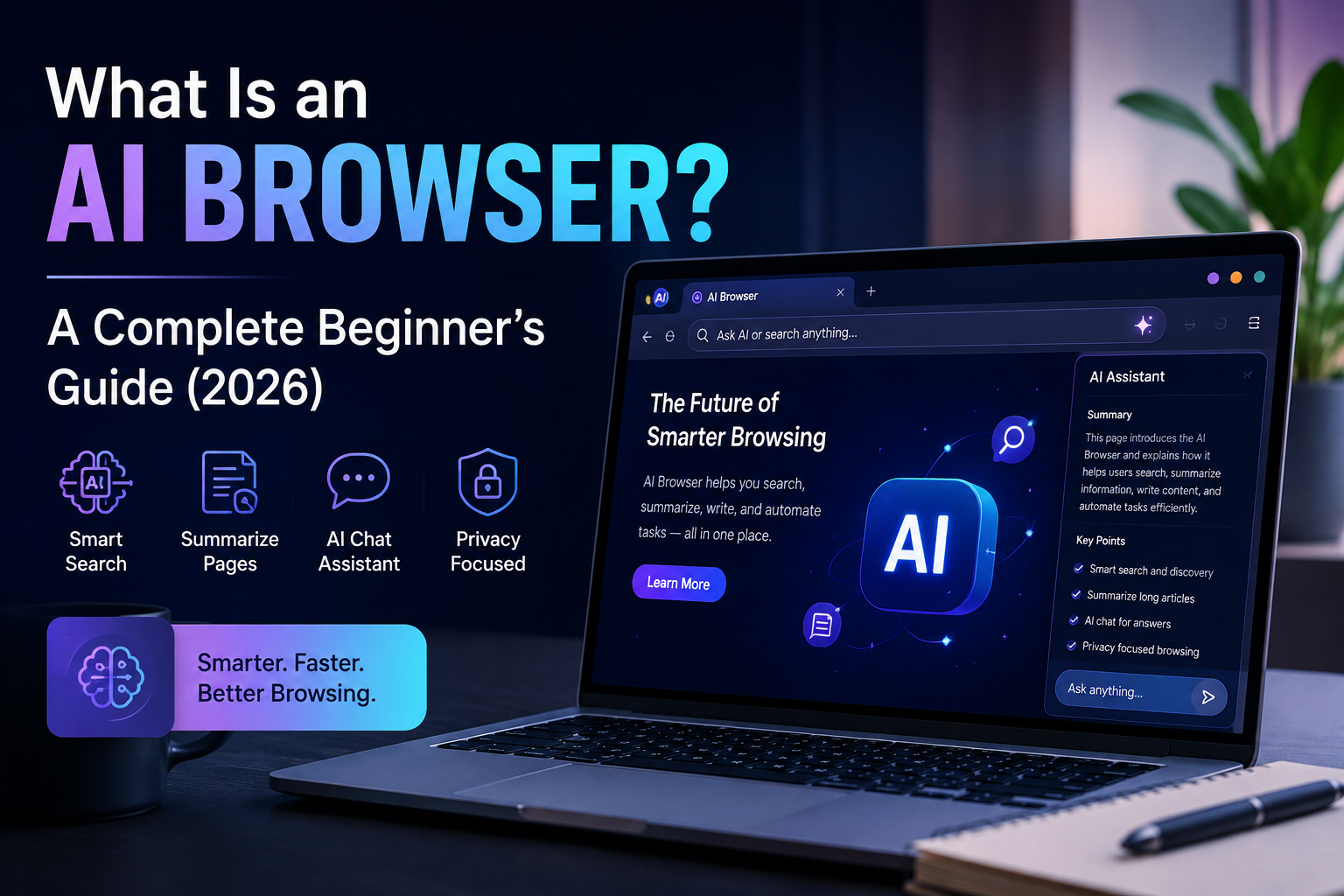
What Is an AI Browser? A Complete Beginner’s Guide for 2026
If web browsing feels cluttered, repetitive, or slower than it should, you are not alone. An AI Browser is designed to make online tasks easier by helping you understand pages, summarize information, compare options, draft content, and handle routine actions with less effort. For people across the USA, that can feel like a practical upgrade.
What Is an AI Browser?
An AI Browser is a web browser with built-in intelligent tools that work alongside familiar features such as tabs, bookmarks, downloads, and search. Instead of only displaying a webpage, it can help you understand what appears on that page.
You might open a long report and request the main points in plain English. You could compare product pages, translate a section, or turn a complicated explanation into a short summary. The browser does not replace the internet. It simply adds a helpful layer between you and the information you are viewing.
How does the best AI browser work?
The best AI browser combines a standard browsing engine with language tools, page analysis, automation features, and privacy controls. After a page loads, the software can examine visible content and respond to questions about it.
Most products place these tools in a sidebar, smart address bar, chat panel, or right-click menu. You may be able to highlight a paragraph and request a summary, ask questions about several open tabs, or use a voice command.
Some tools only explain content. Others can organize tabs, draft replies, fill simple forms, or collect details from several pages. A trustworthy product should show what it is reading and ask before taking important action.
What Can an AI Browser Help You Do?
An AI Browser is most useful when a task involves too much reading, repeated steps, or information spread across several websites.
Students can turn readings into study outlines. Business owners can compare competitors. Job seekers can review listings, while travelers can compare hotel policies and baggage rules.
It can also support everyday writing. You might ask it to make an email clearer, shorten a paragraph, adjust the tone of a message, or create a first draft that you can revise. The goal is to reduce busywork, not remove your judgment.
Best AI browser features to look for
Choosing the right browser is not about selecting the product with the flashiest demonstration. It is about finding features that match the way you actually use the web.
Accurate page summaries
A useful browser should capture the main point without leaving out important dates, prices, conditions, or exceptions. It should also make it easy to return to the original section.
Multi-tab comparison
This feature allows the browser to compare information across open pages. It is helpful for shopping, travel planning, school research, job hunting, and business decisions.
Writing and editing support
Built-in tools can improve grammar, shorten text, simplify difficult language, and adjust tone. You should always be able to review the result before using it.
Clear privacy controls
You should know whether the browser can read the current page, remember activity, access account information, or perform actions. Sensitive websites deserve tighter permissions.
How Is It Different From a Regular Browser?
A regular browser gives you access to websites, but you perform nearly every step yourself. You search, open pages, read, compare, copy information, and complete forms manually.
A smart browser can assist during that process. It may summarize a page, explain an unfamiliar term, extract a table, suggest a next step, or combine information from several tabs.
Traditional browsers still work well for straightforward activities. Intelligent features become more valuable with long documents, research, comparison, writing, or repeated actions.
Is the best AI browser safe?
The best AI browser can be safe, but the answer depends on the product, its settings, and the way you use it. Any browser that can read pages or perform actions may encounter private information.
Before using one, review its privacy settings. Check whether browsing activity is stored, connected to your account, or used to improve the service. Be especially cautious on banking, healthcare, tax, legal, employment, and private communication websites.
An AI Browser can also make mistakes. It may misunderstand a number, miss an exception, or produce a confident summary that is incomplete. Treat it as an assistant rather than the final authority. For major decisions, verify the original information yourself.
Who benefits most from the best AI browser?
This kind of browser may be useful for students, freelancers, marketers, researchers, office workers, online shoppers, and people who regularly manage many tabs.
It can also help readers who find dense writing difficult by offering simpler explanations, short summaries, and quick definitions.
Casual users may prefer a familiar browser with optional smart tools. Power users may want deeper research support, workspace organization, automation, and stronger integrations. The right choice depends on your routine.
How to Choose Your First Browser
Start by identifying the online tasks that consume the most time. Do you read long reports, compare products, manage research, write messages, or keep dozens of tabs open? Choose a browser that addresses those problems.
Test it first with low-risk activities. Ask it to summarize a public page, compare two product listings, or organize notes from several tabs. Pay attention to accuracy, speed, ease of use, and transparency.
The best AI browser should make you more efficient without making you feel that you have lost control. Avoid products that hide permissions, make unrealistic promises, or encourage sensitive automation too quickly.
The Future of Browsing in the USA
In 2026, browsing is shifting from simply viewing pages toward receiving active assistance. Americans can expect smarter address bars, better voice controls, improved tab organization, and tools that handle routine online work.
This technology will likely become more personalized. The strongest products will balance convenience with clear consent, allowing users to decide what the browser can see, remember, and do.
The real improvement will be software that quietly reduces repetitive work while keeping the person in charge.
Frequently Asked Questions
Are these browsers free?
Some options are free, while others charge for higher usage limits, premium tools, or advanced models. Review the plan details before signing up.
Can the best AI browser replace traditional search?
It can improve how you find, compare, and organize information, but it still relies on websites and search services. It is better viewed as a smarter way to browse, not a replacement for the web.